


mLas

mLas X

The latest version of the mLas app is a tool that has gained the trust of foresters across the country. Thanks to constant updates and improvements, it supports hundreds of specialists every day in their effective work in forest areas.

With mLas X, you not only gain full control over field operations, but also raise the standards of work in your industry. Thanks to precise planning, risk monitoring, and full digitization of documentation, your work becomes more efficient and your decisions more accurate. This means that when you work with mLas X, you will operate faster, safer, and with greater confidence.

mLas X is available now! Download the demo and test all its features!

Software features:

Main features of mLas X

Editable drafts

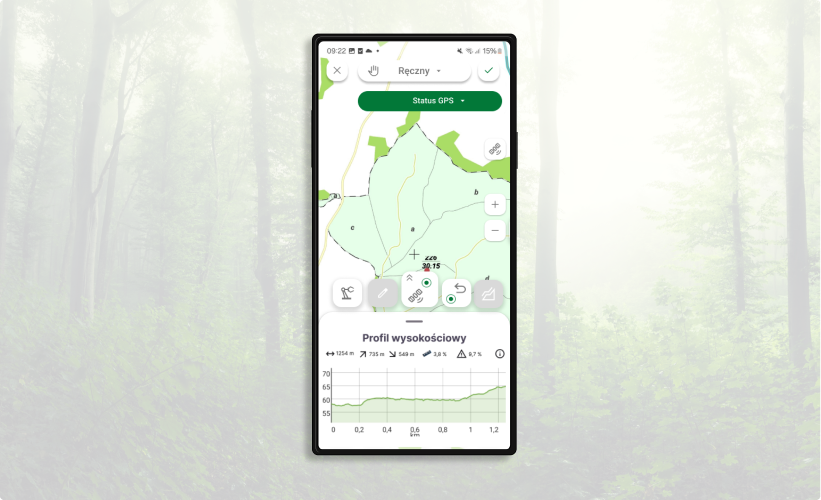
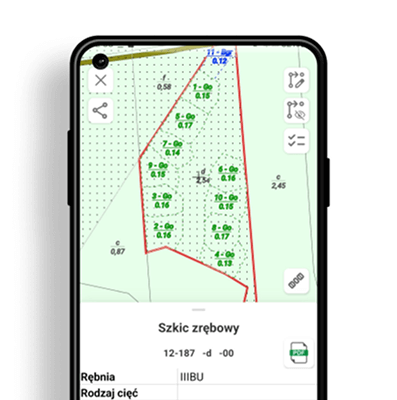
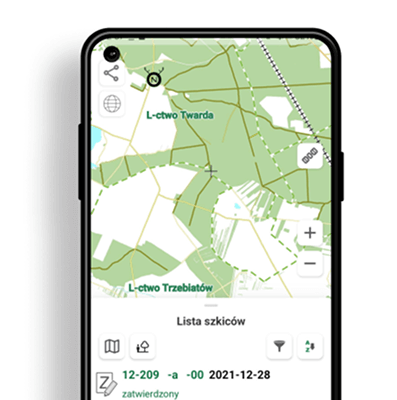
With the manual object drawing feature in mLas X, you can quickly and intuitively complete drafts directly in the field. Then, with a single click, you can export them to a SILP-compatible format, which means that all data will be loaded without any problems, saving you time and eliminating the risk of errors when manually transferring information.

Inspection map

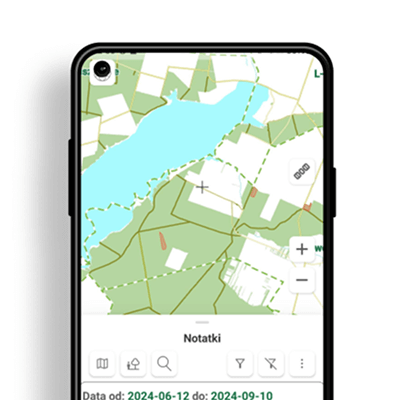
With mLas X, you can add notes and create reports directly on the map, which means you always have the full context of the situation at your fingertips. You can quickly analyze problems and make the right decisions, saving time and minimizing the risk of errors.

Advanced data

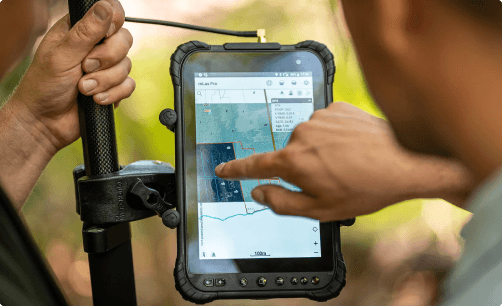
mLasX seamlessly handles large data sets, including drone photos, which means your field operations will always be at the highest level of precision. The app even works offline, so regardless of internet availability, you can be sure that all your data is always at hand and ready to use.

Discover how easy it is to streamline your daily operations.

You will work faster, more efficiently, and with complete control over every task. You have the opportunity to take full advantage of the power of digital field management.

Check where mLas has been implemented:

Najczęstsze pytania

(Przykładowe pytanie średniej długości na dwa-trzy wersy dotyczące przedmiotu danej podstrony zakończone znakiem zapytania?)
(Możliwie zwięzła i rzeczowa odpowiedź na pytanie, zawierająca link do formularza, wpisu blogowego lub innej podstrony)

Downloadable materials

User guide

mLas 8 Lite mLas 8 mLas X
Access to all basic maps, including road infrastructure maps and Sat-Monitor maps
Measurements in three measurement modes and with advanced GNSS receivers
Compatibility with the advanced TX1 GNSS receiver
Data download directly from SILP
Access to a list of drafts as well as their source documents
Identifying roads on the map – possibility to verify data from road surveys in the field
Optimal display of raster (drone) data in Geopackage format
Creating an inspection report in an .xls file
Add notes from field inspections
Ability to create your own measurement layers
Access to data on activities performed, forestry estimates, draft plans, orders, and statements
Print map to PDF
Route planning on DSD roads
Adding notes and drafts
Printing maps to PDF
Precise route planning for the harvester tool
Digital forms
Editable drafts
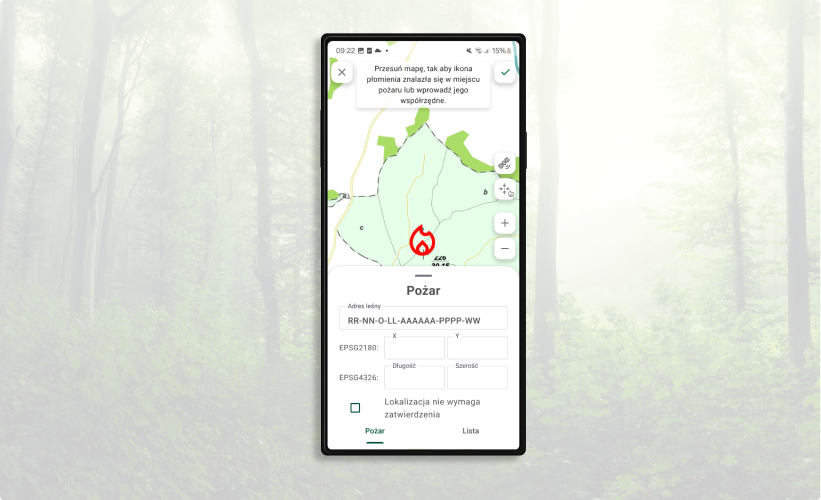
Fire response
Increased map performance

Do you need the mLas app or want to learn more?

Andrzej Muchowski
Technical Support Specialist

Do you need software or want to learn more?

Kamil Gębala
Mobile Applications and GNSS Sales Manager

Porozmawiajmy o Twoich potrzebach

Skontaktuj się z nami

Wypełnij formularz kontaktowy

Download demo

mLas

Please provide the email address where you would like to receive a link to the selected installation version along with a complete set of documentation.

Let's talk about
your needs

Contact us

Fill out the contact form